
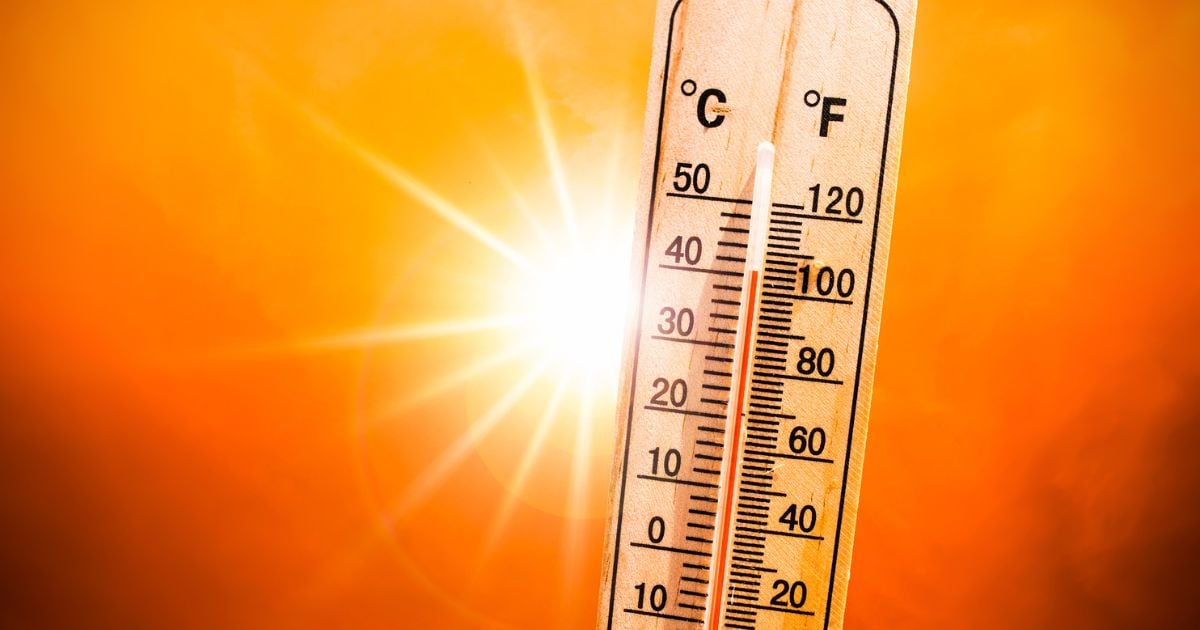
Fixing an overheating iPhone could be as simple as removing your case and putting the iPhone in the shade. On the other extreme, your overheating iPhone may have a hardware issue that requires professional repair.
Your iPhone will get warm occasionally, and this isn’t a problem, but there could be occasions when it overheats, risking serious damage or causing it to run slow.
We’ll go over the common reasons why an iPhone might overheat and explain what you can do to fix the problem.
Apple: iPhone 15 Pro overheating from iOS 17 bug
If you've noticed your iPhone 15 Pro getting too hot to handle, you're not alone. Apple has acknowledged that new iPhone 15 Pro users are reporting overheating issues, but thankfully, it's not your hardware; it's their software.
An iOS 17 bug is causing iPhone 15 Pros to overheat, and Apple has sent out a software fix to help alleviate the issue. So if you haven't updated your iOS since the initial roll-out, go ahead and give it a try.
We do wonder here at WhistleOut: will this fix mean that Apple will throttle the overall performance of the iPhone 15 Pro? We'll keep testing and let you know.
If your iPhone 15 Pro is still overheating, then try our tips below.
It’s just hot out
Believe it or not, your iPhone might be overheating simply because it’s hot outside. iPhones work best when the ambient temperature is between 32 and 95 degrees. Now, if it’s a little hotter than the top end of that range, your phone isn’t likely to overheat, but if you have it out and exposed to the sun for an extended period, it can get very hot, very fast.
If the sun and hot outdoor temps have overheated your iPhone, the best thing to do is to get it out of the heat. Remove your phone case, and put the phone in some shade or bring it indoors.
You’re using a bad charger
Your iPhone tends to warm while charging, especially if you’re using a wireless charger. If the phone gets too hot, it will put the charge on hold to avoid overheating and internal damage. You should get a “Charging On Hold” notification.
Your phone could overheat while charging if it’s in a hot place or under direct sunlight. Move it to a cooler place before you try to charge it again.
Your charger may also be the culprit. Overheating often happens when you use a charger that wasn’t specifically designed for the iPhone. If your phone regularly overheats while charging, it might be time to replace your charger. If you are looking for an inexpensive charger, make sure you choose one that is MFi certified, meaning that it’s made for the iPhone and certified by Apple.
You have too many apps running
Apple is adamant that open background apps don’t affect the iPhone’s performance because those apps are in suspension. Yet, one of the longest-standing tips for saving battery and cooling a hot phone involves closing all those background apps.
So, who is right? Resource-demanding apps certainly can warm your phone to uncomfortable levels, but is it the app you currently have open (most likely) or the background apps bringing the heat? We think it doesn’t exactly hurt to go ahead and close all your apps. Sure, your battery will take a hit when you open your apps back up, but it’s nothing your phone can’t handle.
If your phone is getting hot, go ahead and close all your apps. You can do this by swiping up from the home screen to see all the opened apps. Browse through and swipe up on any app you want to close.
And for good measure, you can ensure that background apps are doing absolutely nothing by checking to see that your phone isn’t allowing apps to refresh in the background. To turn off background app refreshes:
- Go to Settings
- Select General
- Tap Background App Refresh
- Switch Background App Refresh to Off
There’s an iOS bug
Issues in your iPhone’s operating system may overwork your phone’s hardware and get it running hot. Keep your iPhone updated with the latest version of iOS.
Take these steps to update your iPhone’s operating system:
- Go to Settings
- Select General
- Tap on Software Update
- If an update is available, select Download and Install
Your iPhone’s battery is faulty
A bad battery can cause your iPhone to get too hot. A problem with this is that it’s not always very obvious that your battery isn’t working properly. But one big sign would be that your phone doesn’t charge or hold a charge very well.
You can check the general health of your battery by taking these steps:
- Go to Settings
- Tap on Battery
- Select Battery Health
Examine your Maximum Capacity. Anything above 80% generally indicates that the battery is healthy. On the flip side, anything below 80% means you might need a new iPhone battery.
You can replace your iPhone battery through Apple, or try your hand at a DIY replacement kit—just note that this route will void your warranty if it's still active.
What if heat has damaged my phone beyond repair?
If heat has damaged your phone beyond repair, you’ll need to replace it. There’s a chance that AppleCare will cover the replacement if the overheating was caused by a manufacturing defect.
If the warranty doesn’t cover the damage, you might not completely be out of luck. The major phone carriers offer trade-in deals that could get you a brand-new phone for free, no matter what condition your trade-in device is in.
If you are looking for a new iPhone, check out our guide to the best iPhone deals, or take a look at some of these iPhone 14 deals:
iPhone 14 128GB Plans

|
#1
|
Tello

Unlimited Text, 300 Minutes, and 2GB Plan
$8.00/mo
+ $499 Upfront
|
|
#2
|
Visible

$30 Visible+ Plan
$30.00/mo
Taxes & Fees included
+ $629 Upfront
|
|
#3
|
Verizon

Unlimited Welcome
$55.00/mo
+ Taxes & Fees. Price includes AutoPay & Paperless discount.
+ $669.99 Upfront
|
iPhone overheating: FAQs
How do I stop my iPhone from getting hot?
The best way to stop your iPhone from overheating is to keep it updated and away from direct sunlight and other hot areas.
Can overheating damage my iPhone?
Yes, overheating can cause serious damage to your iPhone. The iPhone has safety features to keep it from getting to that point, but they might not always work. Be sure to keep an eye on your phone and its temperature.
How do you replace an iPhone battery?
To replace your iPhone battery, contact Apple to schedule a visit to an Apple store or send in your phone. The price to replace the battery will depend on which iPhone you have.
Can I trade in a broken iPhone?
Yes. Carriers often offer customers trade-in deals, even if their trade-in phones are broken. If these deals aren’t available, you can try trading in with electronic dealers like Trademore who accept damaged devices.
Angelo Ilumba
Senior Writer

Find a better phone plan
Thousands of cell phone plans unpacked. All the facts. No surprises.


.png?w=280&h=280&usm=20&usmrad=0.8&fit=crop "Best Cell Phone Deals for July 2026: Get the New iPhone 17 for Free")



